PipSprout
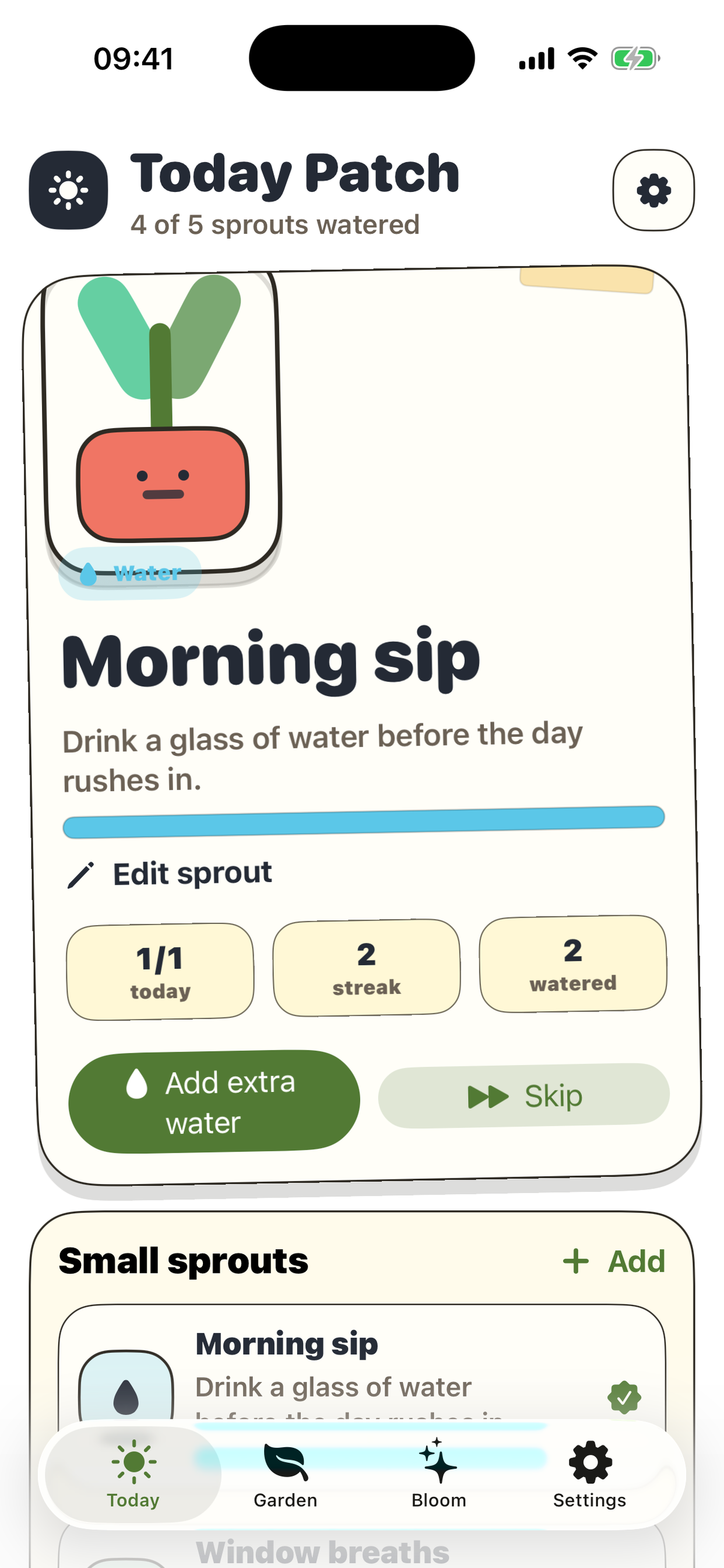
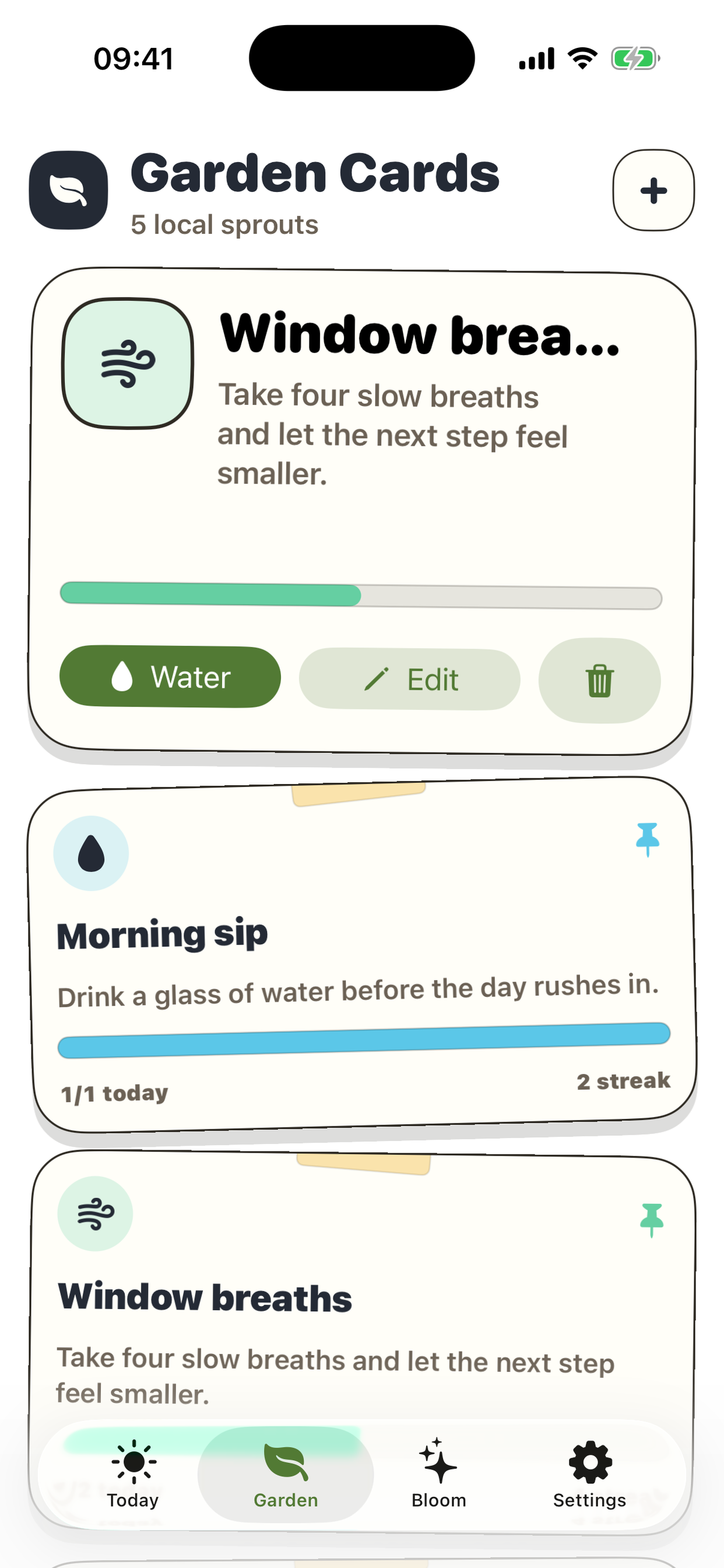
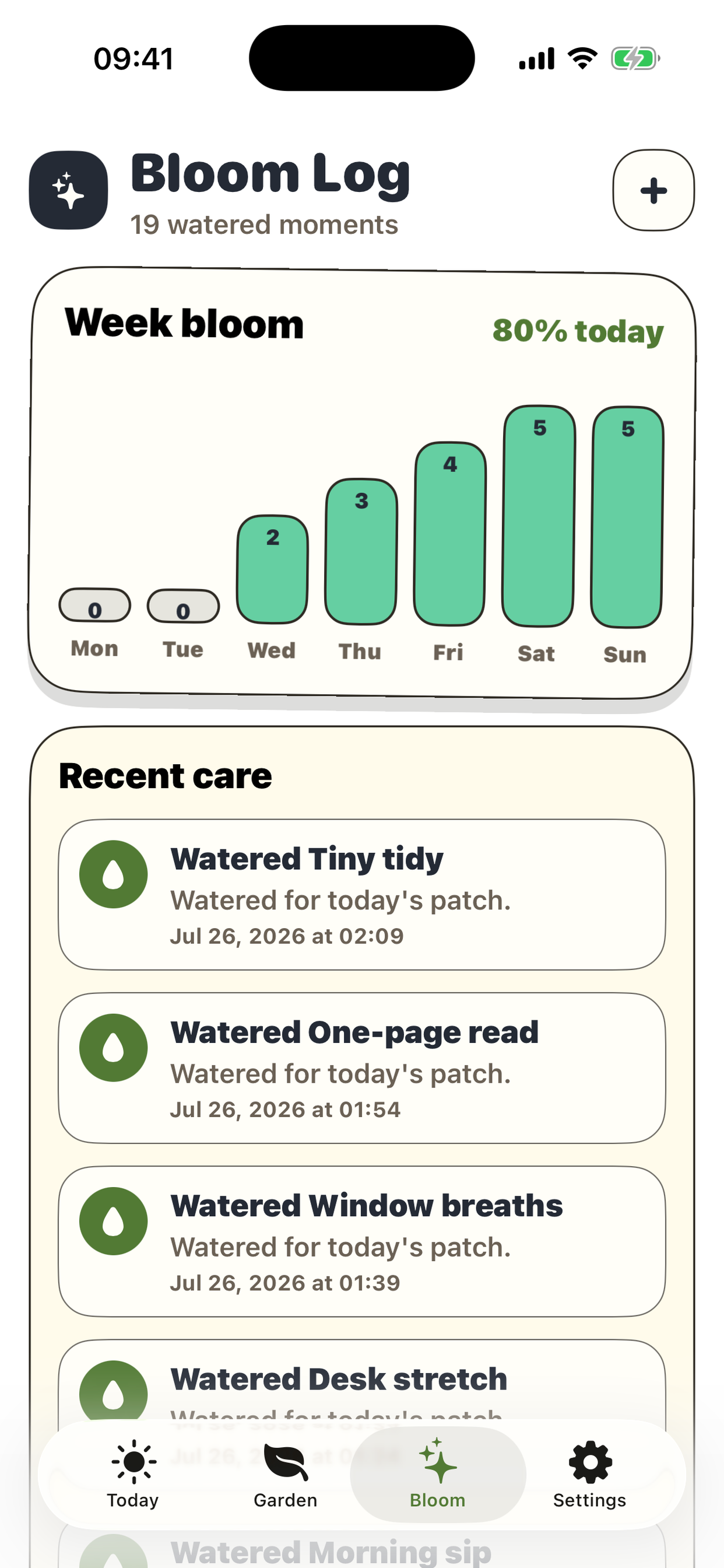
A tiny ritual garden for daily water, stretch, breathe, and read moments that stay local to the device.
Local first
Universal iPhone + iPad
Paper scrapbook UI
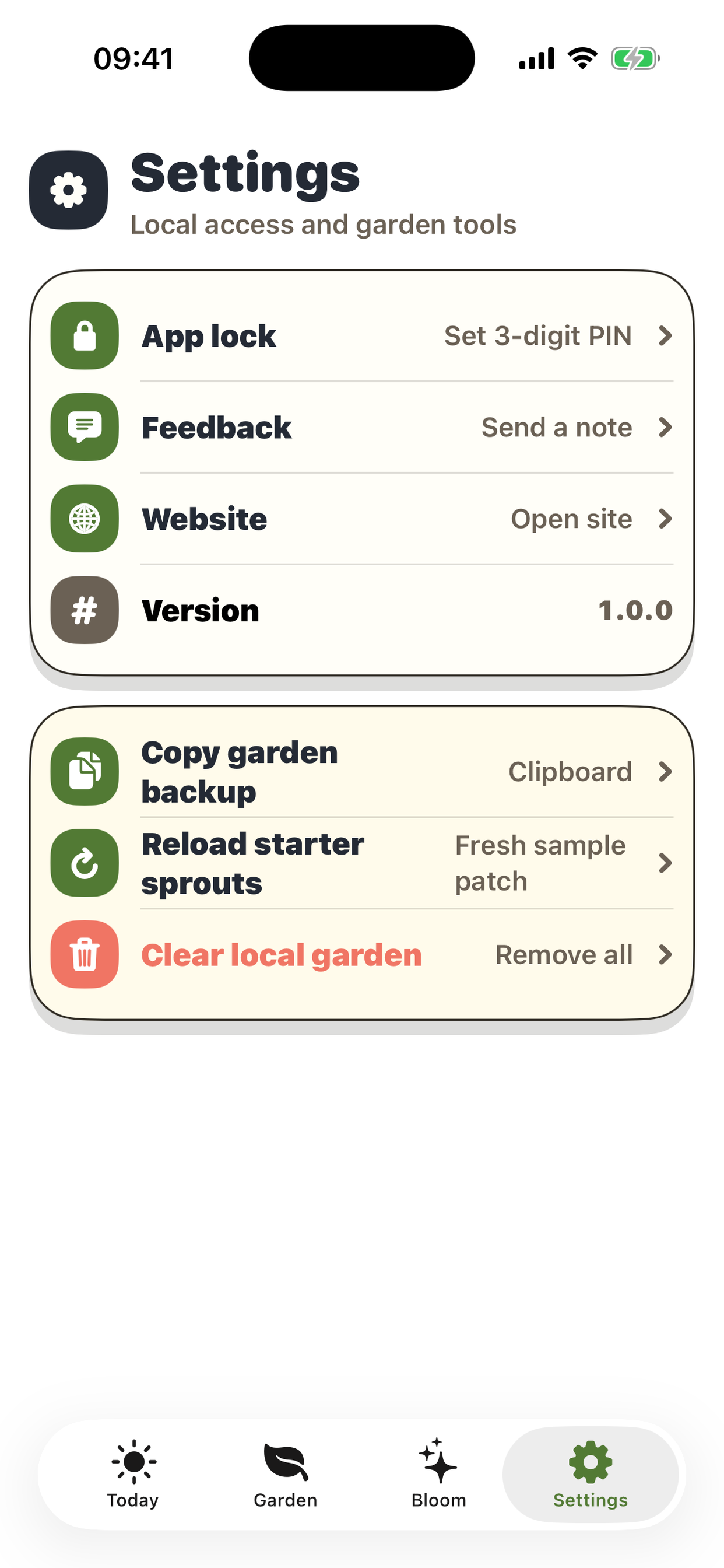
Feedback, Website, App lock
A tiny ritual garden for daily water, stretch, breathe, and read moments that stay local to the device.
1.0.0
Native SwiftUI iOS, universal for iPhone and iPad.
Garden data is stored locally in the app container with a small PIN value in UserDefaults.
No. It is a local app with no sign-in flow.
Yes. Settings includes a reload action that brings the sample sprouts back.
Use Copy garden backup in Settings to place the local snapshot on the clipboard.
PipSprout keeps the garden on the device. Feedback uploads the text you type plus a device identifier only when you choose to send it. The app does not use ads or cross-app tracking.
It may read basic device and connection details when you open Feedback or Website so the app can work and the network request can complete.
Check your connection and make sure the message is not empty.
Use Reload starter sprouts in Settings to restore the sample patch.
Use Clear local garden to remove the current device snapshot and start over.